How to Read a Script Listing: Claims, Evidence and Missing Data
Use a worked comparison of real catalog entries to separate feature claims, compatibility labels and missing evidence before drawing a conclusion.
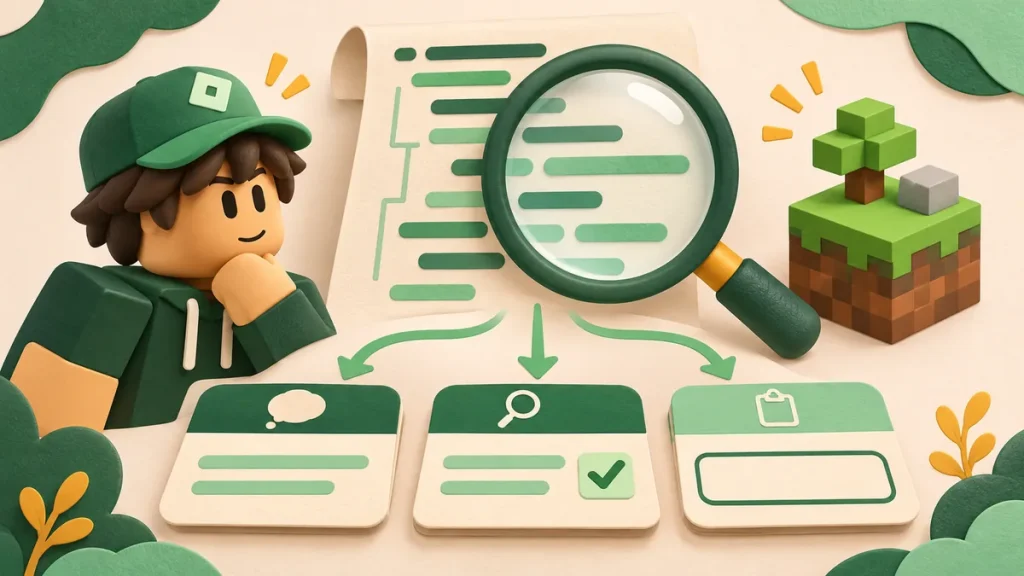
Forge Hub’s description says it requires a key. Amorestar’s description mentions PC, Xeno and Solara, while a separate field names Delta. Both are useful details, but they answer different questions. Read a listing field by field before deciding what it tells you.
We’ll use those two entries as examples. The observations come from the catalog pages as they appeared on 2 November 2026; this was a page review, without running the scripts or opening their remote dependencies.
Start with the identity of the entry
Start by saving three things together: the name, the game and the page address. A hub name can turn up in several games, and a familiar-looking menu may belong to an older build. The URL gives you somewhere specific to return to.
Forge Hub appears in the Pet Simulator 99 collection; Amorestar appears under San Diego Border Roleplay. They’re for different games, so counting their menu options would be a poor comparison. First check whether the entry even concerns the game you’re looking for.
Translate each field into a precise question
| Field | Question it helps answer | What still needs evidence |
|---|---|---|
| Game | Which experience is this entry associated with? | Whether the current game version is supported. |
| Features | What behavior is being advertised? | Whether each feature was observed successfully. |
| Key requirement | Is a script access requirement described? | Whether a separate executor requirement applies. |
| Compatibility | Which environment is named? | The version, device and circumstances of a check. |
| Status or date | What status or date does the page display? | The underlying procedure and results. |
| Displayed code | What text is supplied at this address? | What any remote code contains or will contain later. |
Watch how much a claim covers. “The menu opened on this phone” describes one startup attempt. “Works on mobile” reaches much further. If the evidence only supports the first statement, don’t mentally upgrade it to the second.
A worked comparison from the catalog
Forge Hub gives us an unusually useful detail: the described version excludes automatic trades with other players. It also mentions mail collection, travel to the Trading Plaza and a key system. Someone looking for automatic player trading can rule out that advertised version without trying to interpret a broad “auto-farm” label.
Amorestar needs a different follow-up. Why does its description discuss PC, Xeno and Solara while the compatibility field names Delta? There may be an explanation, but those fields alone don’t give it. Ask for the Delta-specific source or check rather than declaring the entry either confirmed or broken.
| Entry | Observation on the page | Reasonable conclusion | Open question |
|---|---|---|---|
| Forge Hub | A script key system is described; automatic player trades are excluded. | The advertised scope includes an access requirement and a stated limitation. | Which features and environment were independently checked? |
| Amorestar | The description names PC, Xeno and Solara; the compatibility field names Delta. | The fields describe related but different environment information. | Which Delta version, platform and result support the Delta label? |
Build a short evidence note
A short note is enough: “Delta is named in the compatibility field. The description discusses other executors and PC. I couldn’t identify a Delta version or a reproducible Delta check in these fields.” An editor can investigate that. “Doesn’t work” gives them much less to go on.
Keep your observation date separate from the date displayed by the site. One records when you read the page; the other may refer to an edit or a reported check. A saved excerpt or screenshot helps when the wording changes later.
Read a loader as a dependency clue
Look closely at short code blocks. If the text retrieves another file, you’ve found a dependency rather than the whole program. That file may load others, and a familiar hosting domain doesn’t tell you who wrote them or which revision you’ll receive.
You don’t have to run unknown code to finish reading a listing. Mark an unread dependency as unread and move on. The source guide explains the author, host and destination distinctions in more detail.
Make a decision that matches the evidence
By the end, you should be able to name the gaps: perhaps the device is missing, the access requirement is unclear or the source revision isn’t identified. You can then compare another entry or send a focused report. There’s no need to force every uncertain listing into a yes-or-no verdict.
One boundary sits outside this comparison: Roblox’s rules on exploiting. A catalog’s compatibility label doesn’t change those rules or promise that an account will be unaffected.
Sources and further reading
- Delta Scripts catalog — the entries discussed above; reviewed on 2 November 2026.
- Compatibility guide — the site’s shorter field-reading reference.
- Editorial policy — how to interpret catalog labels.

Comments 0
No approved comments yet. Start the discussion.