How to Spot Fake Roblox Download Pages and Phishing Links
Examine a fictional download page step by step: identify its real host, distinguish content from ads and recognize requests that put an account at risk.
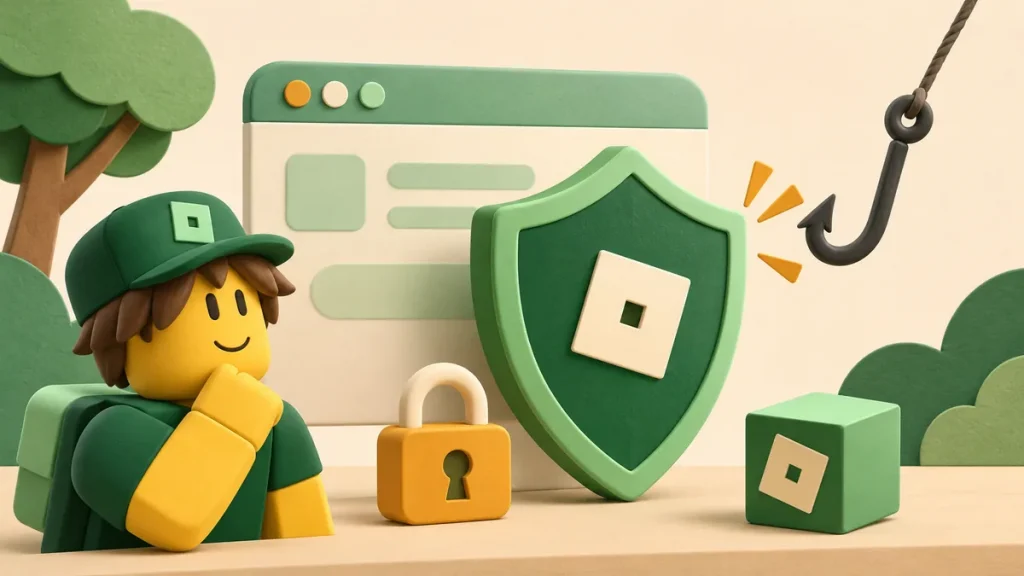
A page can copy the right logo and still send its Download button somewhere else. Before you click, check the destination and what the page wants from you. A request for a password or session cookie to unlock a file is a reason to stop.
We’ll use made-up addresses ending in example.invalid. They’re there to practise reading URLs, not to send you to a live suspicious site.
Read the host instead of the surrounding promise
Suppose a message points you to this address:
https://roblox-download.example.invalid/free-itemsThe word “roblox” doesn’t make this a Roblox-operated host. The host is roblox-download.example.invalid. Brand words can appear in an unrelated domain or anywhere in a path, so read the address bar rather than the link’s label.
Now picture a button labelled “Official Roblox sign-in” that leads to account-check.example.invalid. The label and destination disagree. You can decline to enter credentials without first proving who built the page.
A secure connection doesn’t resolve that mismatch. It protects the connection to the named host; it doesn’t make that host the company you intended to visit. Check both the connection and the address.
Annotate the page before pressing anything
| Element | What it says | What to check |
|---|---|---|
| Header | “Official rewards installer.” | Who operates the actual host? |
| Large green button | “Download now.” | Is it part of the article or a separate advertisement? |
| Account form | “Paste your session cookie to verify ownership.” | Why is a download requesting an account secret? |
| Urgency banner | “Your items expire in two minutes.” | Is pressure replacing a verifiable explanation? |
You can spot all four issues in the table without opening a file. Inspect each element on its own. A recognizable header doesn’t validate the form beneath it, and a genuine forum can contain a bad link posted by someone else.
Recognize account secrets in unfamiliar wording
Roblox’s account safety guidance says to keep passwords, cookies, verification codes and backup codes private. Calling the same secret a token or “proof of ownership” doesn’t make sharing it safer.
Ask what a support request needs. A page URL and a description of a broken button can explain a catalog issue without giving anyone access to your Roblox account.
Screenshots can leak the same information. Check the browser bar, nearby panels and notifications before sending an image. Crop to the relevant error if the rest of the screen isn’t needed.
Distinguish text copying from software installation
Plain text, an archive and an executable aren’t interchangeable downloads. Check what is being offered. A button saying Copy doesn’t explain why another page would need you to install software.
The copying guide covers retrieving text from this site. If another page asks for an extension just to read an explanation, reconsider that extra step. A sequence of “one more install” promises can take you a long way from your original task.
Use a stop-and-check decision rule
- State the task in one sentence: read documentation, obtain a known file or report an error.
- Identify the operator and destination relevant to that task.
- List what the page asks you to disclose or install.
- Stop if the request does not follow from the task.
- Reach the intended service independently instead of following a pressured login link.
Reading a compatibility guide, for example, doesn’t require a Roblox session cookie. Once the page asks for something unrelated to the task, stop and reach the intended service independently.
If you already interacted with a suspicious page
If you’ve already interacted with a suspicious page, write down what you did. Visiting it, downloading a file, running that file and entering a verification code are different events. That detail matters when choosing the next step.
For a possibly compromised account, use Roblox’s recovery instructions. Be wary of someone in a comment or private message who offers guaranteed recovery in exchange for more secrets.
To report a misleading link here, send the page address and what you saw. Keep passwords, cookies and recovery material out of both the report and public comments.
References
- Keep Your Account Safe — Roblox Support.
- Account recovery — Roblox Support.
- Contact Delta Scripts to report a specific page problem.
Comments 0
No approved comments yet. Start the discussion.