What Does “Compatible with Delta” Actually Mean?
Build a compatibility matrix that keeps platform, version, game and observed results separate, using a real example of conflicting catalog details.
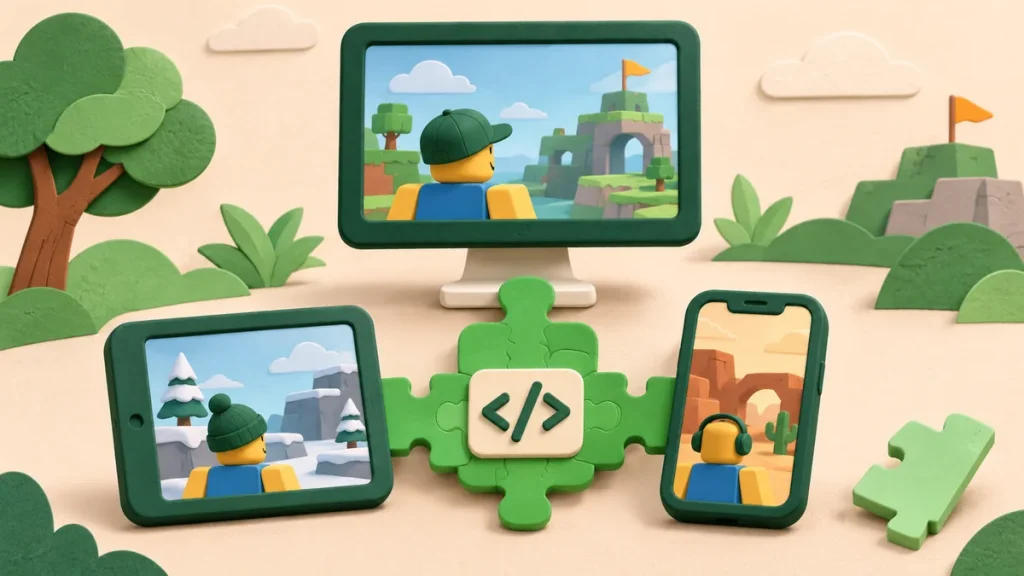
“Compatible with Delta” leaves an obvious question: compatible on what setup? A phone and a PC aren’t interchangeable, nor are two executor releases. Before relying on the label, look for the script revision, Delta version, device and game conditions behind it.
Then ask what happened. Did the interface open? Did one button work? Were all advertised features tried? Those are three different results, and a useful compatibility note says which one it means.
Define the claim before comparing devices
Take the hypothetical report “The interface opened on an Android phone.” That’s a reasonable startup observation. It doesn’t cover an iPhone, a desktop or features the reporter never used. Keep the original scope when you repeat the result.
Try writing the question as a small test: “Does this revision initialize and complete this named action on this setup?” The table below breaks the setup into fields. It also helps expose a missing remote revision when the visible code is only a loader.
Use a matrix with explicit unknowns
| Dimension | What to record | Why it matters |
|---|---|---|
| Script identity | Name, game and saved revision or file. | A project name can cover different releases. |
| Executor | The exact product and version being discussed. | A result for another executor does not directly establish Delta support. |
| Platform | Operating system, device class and relevant version. | “Mobile” is not a reproducible environment description. |
| Game context | Experience, update information and relevant starting conditions. | Scripts can depend on a particular object layout or state. |
| Observed step | Startup, a named feature or a specific error. | A menu opening does not verify its buttons. |
| Evidence date | Date of the observation and its supporting note. | A page edit is not automatically a runtime check. |
Leave missing cells marked “not supplied.” Pulling a version number from a nearby download page can make the table look complete while quietly linking sources that never referred to the same build.
Work through an actual catalog ambiguity
Here’s a real example from the San Diego Border Roleplay collection. On 2 November 2026, Amorestar’s compatibility field named Delta, while its description mentioned PC, Xeno and Solara. That’s what the page showed; we didn’t execute it for this review.
| Question | Available information | Conclusion |
|---|---|---|
| Does a field name Delta? | Yes, the compatibility field. | The entry associates the script with Delta. |
| Which platform is described? | PC is mentioned in the description. | Do not extend that wording to all phones. |
| Is a Delta version established by that wording? | No version is established by the cited fields. | A version-specific conclusion remains open. |
| Does the page review verify a feature? | No runtime attempt was performed for this review. | Feature behavior remains outside this observation. |
An editor can now investigate a specific mismatch in the wording. Perhaps the paragraph concerns an older build; perhaps it omits broader support. Until the source is clarified, the sensible result is an open question about the Delta setup.
Separate startup from feature coverage
Imagine an interface with a list, a settings panel and an action button. Seeing the list proves very little about the button. A helpful feature report records the initial state, the action and the outcome for each item it covers.
Also separate a syntax problem from a missing object. Valid code can fail when a target isn’t present, or finish quietly because a condition was false. “Nothing appeared” is worth recording, but it doesn’t identify the cause.
Do not confuse client behavior with authority
The Roblox client-server documentation gives another important boundary. Something displayed on one client needn’t be a persistent change to shared game state. A local item display and an authoritative transaction are different claims.
When a demonstration looks dramatic, ask where the change was observed. Was it visible to another player? Did it persist? The video or screenshot may answer only part of that question.
Keep three decisions independent
Keep access, compatibility and source trust in separate columns. A key can be accepted while a feature fails. Code can initialize while its origin is still unclear. None of those outcomes establishes endorsement by Roblox or the executor developer.
A useful conclusion can be quite modest: “Delta is named here, but the version, device and observed action aren’t supplied.” That tells the reader what is missing and gives an editor a concrete improvement to make.
Sources and next steps
- Delta compatibility guide — the concise checklist for reading the site’s fields.
- Reporting a script record — how to send a specific information gap.
- Roblox client-server runtime — the technical boundary discussed above.

Comments 0
No approved comments yet. Start the discussion.